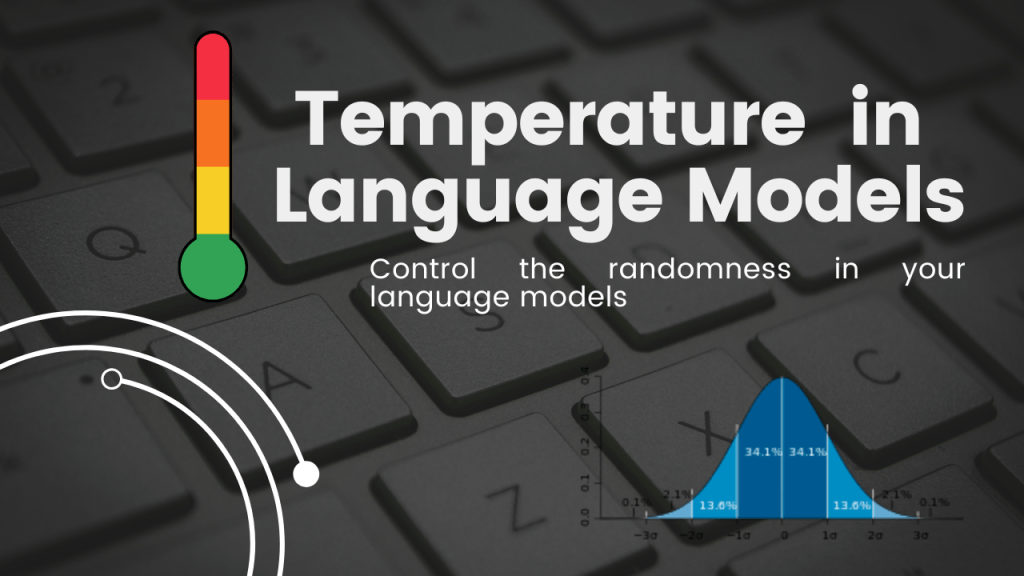
Temperature is a parameter that you can access with open-source LLMs which essentially guide the model on how random their behaviour is.
Here is an image from cohere.ai

In this image, we can see that if you increase the temperature, the probability distribution of the softmax output of the next token is changed. So when you sample from this probability distribution, there is a chance that you can select the output token which has a very low probability score in the original distribution.
Similarly, there is also something known as top k and top p.
They also work similarly to temperature. The higher their value, the more random, your output will be.
Let’s take an example.
What do you expect the completion of this sentence to be –
The cat sat on the _____
I think most of us will think mat, followed by other things where you can sit like porch, floor, etc. and not sky.
Suppose we feed this to a text-generation model and the softmax probability distribution looks like this –
| token | prob |
|---|---|
| mat | 0.6 |
| floor | 0.2 |
| porch | 0.1 |
| car | 0.05 |
| bus | 0.03 |
| sky | 0.02 |
If you set temperature = 0, then the most likely completion of the sentence that the model will return will be
The cat sat on the mat
But when we set temperature = 1, or a number which is high, then we could get the model to give the output as
The cat sat on the sky
Cause then the probability distribution of the softmax output is skewed artificially to generate less likely tokens. This can be good or bad based on the context of the problem.
In the video below, we ran through a couple of settings and saw the effect these parameters had on the output of Llama-2-7b.
#loading the model

import torch
from peft import PeftModel, PeftConfig
from transformers import AutoModelForCausalLM, AutoTokenizer, BitsAndBytesConfig, pipeline

bnb_config = BitsAndBytesConfig(load_in_4bit=True,
    bnb_4bit_quant_type="nf4",
    bnb_4bit_compute_dtype=torch.bfloat16,
    bnb_4bit_use_double_quant=False)

model_id = "meta-llama/Llama-2-7b-chat-hf"

tokenizer = AutoTokenizer.from_pretrained(model_id)
model = AutoModelForCausalLM.from_pretrained(model_id, quantization_config = bnb_config,device_map={"":0})
Then we create the prompt template and a function to create a text-generation pipeline –
import json
import textwrap

B_INST, E_INST = "[INST]", "[/INST]"
B_SYS, E_SYS = "<<SYS>>\n", "\n<</SYS>>\n\n"
DEFAULT_SYSTEM_PROMPT = """
"""


def get_prompt(instruction, new_system_prompt=DEFAULT_SYSTEM_PROMPT ):
    SYSTEM_PROMPT = B_SYS + new_system_prompt + E_SYS
    prompt_template =  B_INST + SYSTEM_PROMPT + instruction + E_INST
    return prompt_template

def create_pipeline(temperature = 0, top_p = 0.1, top_k = 3, max_new_tokens=512):
    pipe = pipeline("text-generation",
                model=model,
                tokenizer = tokenizer,
                max_new_tokens = max_new_tokens,
                temperature = temperature,
                do_sample = True,
                top_p = top_p,
                top_k = top_k)
    return pipe
Now let’s see the model output when we pass this prompt to the model with different configurations.
[INST]<<SYS>>


<</SYS>>

Complete the sentence - The cat sat on the [/INST]
# Model with all params as low.
pipe = create_pipeline(0.1)
output = pipe.predict(prompt)
print(output[0]['generated_text'])
>>> [INST]<<SYS>>
<</SYS>>
Complete the sentence - The cat sat on the [/INST] The cat sat on the mat.As expected, the model’s output was in line with our expectations.
# Model with all params as high.
pipe = create_pipeline(0.8, top_p = 0.8, top_k = 100)
output = pipe.predict(prompt)
print(output[0]['generated_text'])

>>> [INST]<<SYS>>


<</SYS>>

Complete the sentence - The cat sat on the [/INST]  The cat sat on the windowsill.
Here, we saw that by changing the parameters, the model’s output was also influenced.
 ML EXPLAINED
Leave a comment